

displayScreen method allows the client application (POS/FCC) to take control of the terminal’s display. This serves to guide the customer through the fueling process by showing status updates, instructions, or custom alerts that are not part of the standard payment flow.
Use this method to:
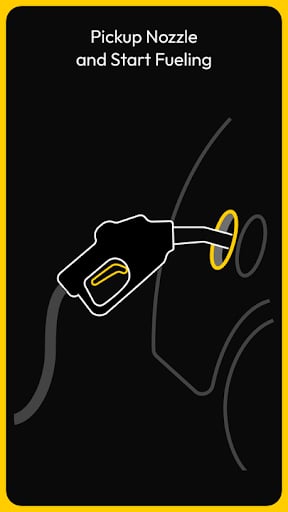
- Direct the customer with workflow instructions like “Please Lift Handle” or “Insert Fuel Nozzle.”
- Inform the user of system status updates, such as “Pump 4 Authorized” or “Tank Full.”
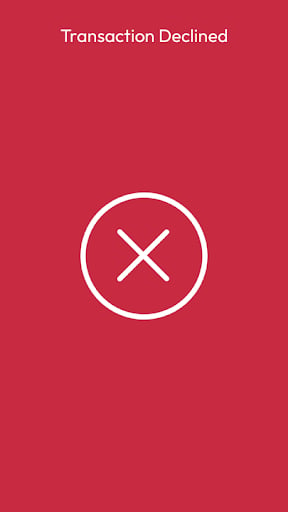
- Display localized or custom error messages if a pump-side issue occurs.
- Show custom welcome messages or promotional text during idle moments to reinforce branding.

Requests
All requests must include thecommand, requestId, and the specific text content you wish to display.
The following example shows a typical request: