

displayInput method allows the client application to prompt the customer for specific information using the terminal’s keypad or touchscreen. This serves as an essential tool for workflows that require additional data points beyond standard card details.
Use this method to:
- Prompt for identification and security details like a PIN, Zip Code, or custom “Employee ID” for fleet cards.
- Request operational metadata such as Odometer readings, Unit Numbers, or Hubometer values.
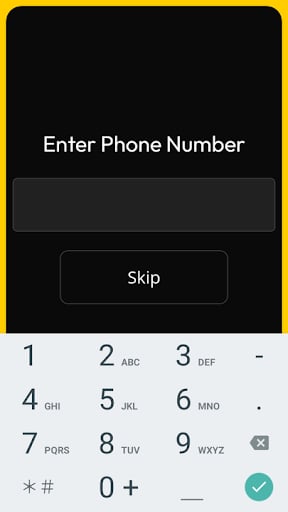
- Ask for specific customer inputs like “Enter Pump Number” or “Enter Phone Number” for loyalty programs.
Requests
When calling this method, you must define the prompt and its corresponding cryptographic signature.All prompt/signature pairs are managed via the
prompts.json file on your device. If you require a new or custom prompt, please email your request to the support team, and we will provide the updated file and signature for you.Parameter Definitions
The table below describes the parameters available for this request:Responses
The terminal returns the data entered by the customer once they press the Enter (→) key on the keyboard. The following example shows a typical response:Response Parameters
Thedata object contains the following fields: