

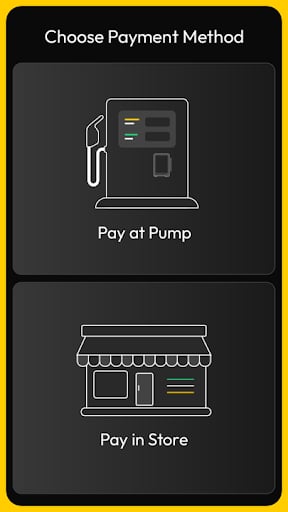
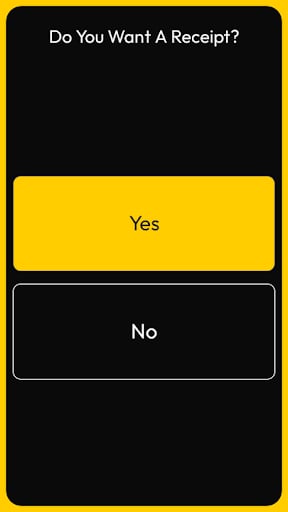
displayConfirm method presents the customer with a binary choice on the terminal screen. This serves as a streamlined way to handle user consent or simple decision points within the transaction flow.
Use this method to:
- Ask for agreement on terms, such as “Do you agree to a $100 pre-authorization hold?”
- Confirm physical actions, like “Is the nozzle back in the holster?”
- Prompt the user for receipt preferences, such as “Would you like a printed receipt?”
- Offer quick prompts for additional services, like “Add a car wash for $5.00?”
Requests
The request requires atitle and the text for the specific prompt. You can customize the labels of the two buttons to fit your specific use case.
The following example shows a typical request:
Parameter Definitions
The table below describes the parameters available for this request:
This is a text only request example:
Responses
The terminal returns the user’s choice immediately after a button is pressed. The following example shows a typical response:Response Parameters
Thedata object contains the outcome of the confirmation prompt: