VPOS Touch
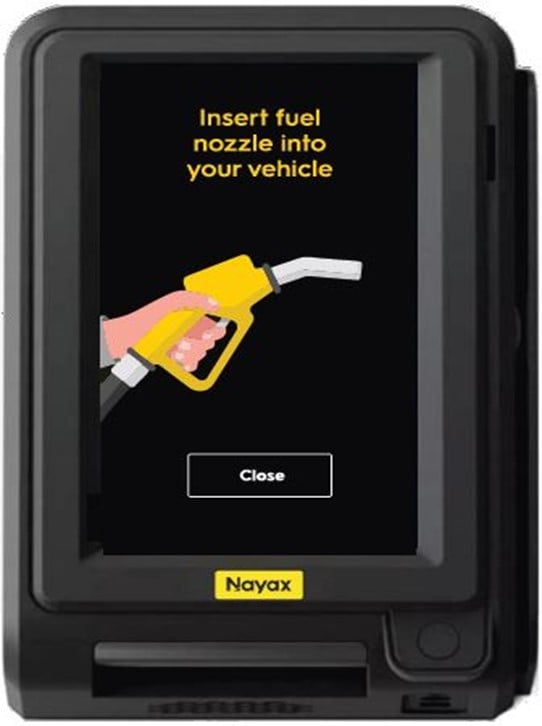
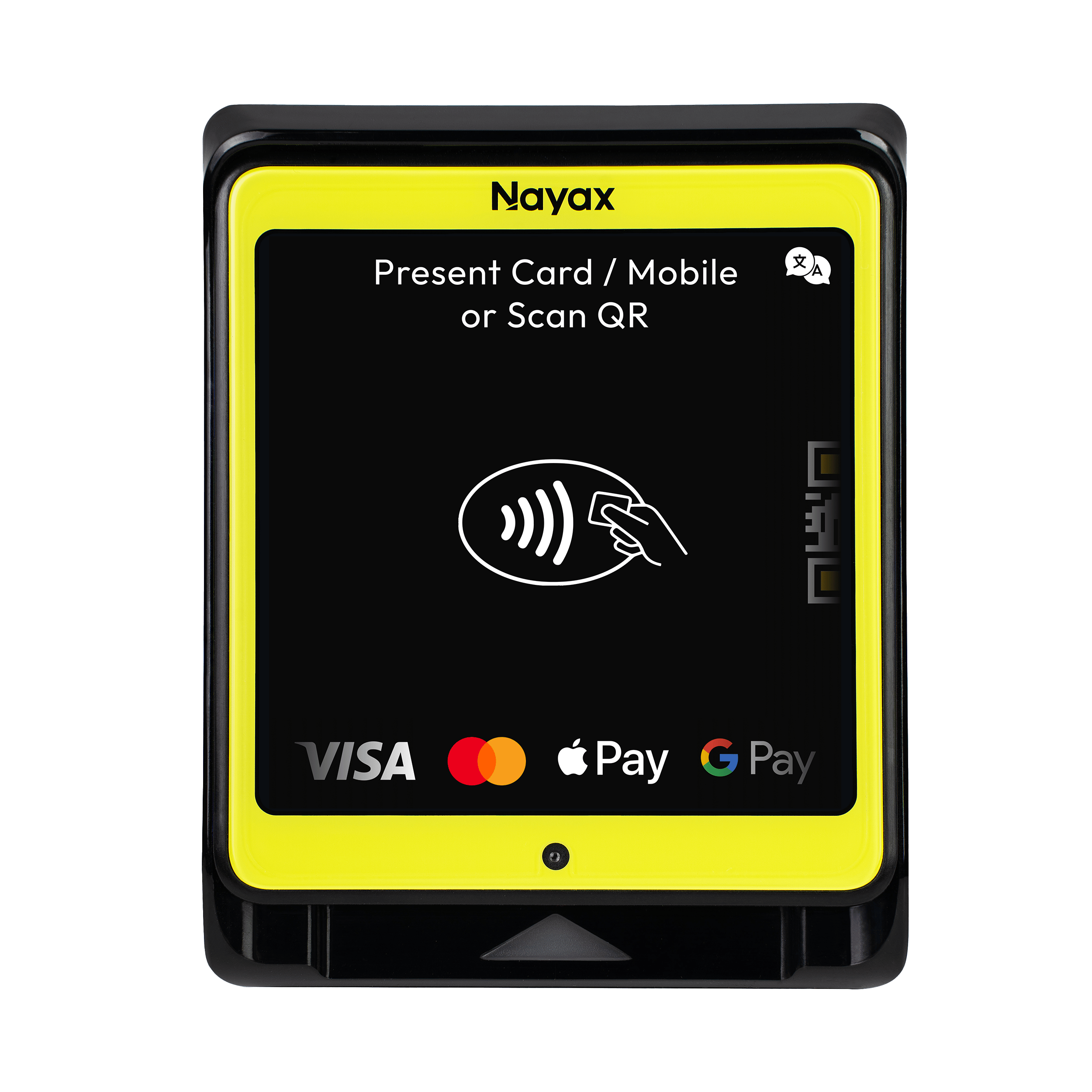
The following components are part of the Touch device setup. Each plays a specific role during installation and operation:
VPOS Media5
The following components are part of the Media device setup. Each plays a specific role during installation and operation:
| Name | Description | Image |
|---|
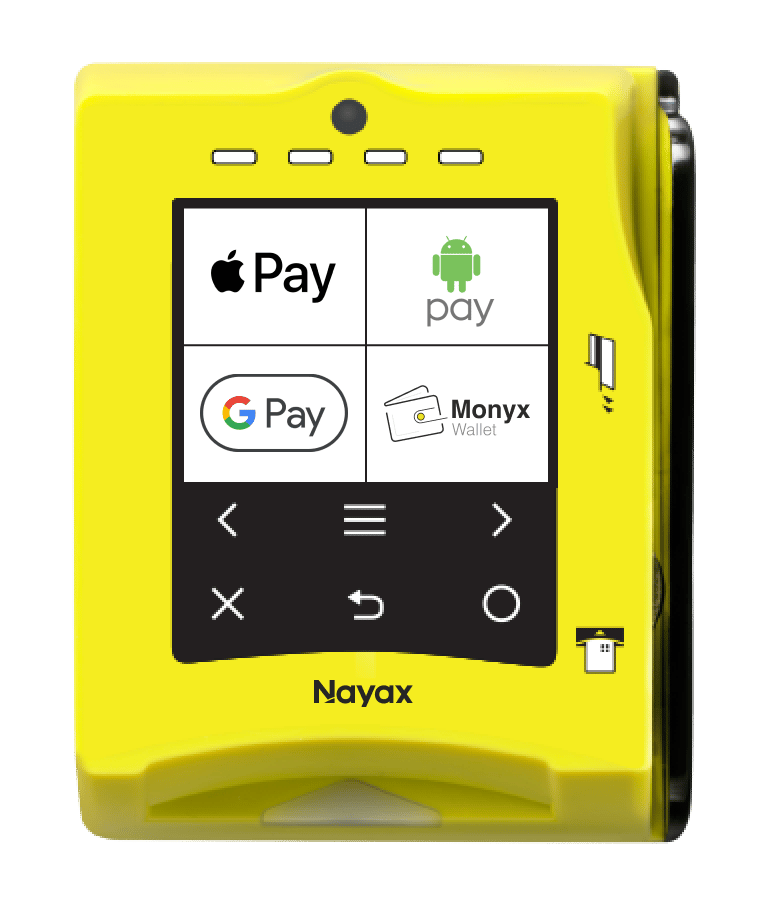
| Media Device | The Nayax VPOS Media Marshall device. | |
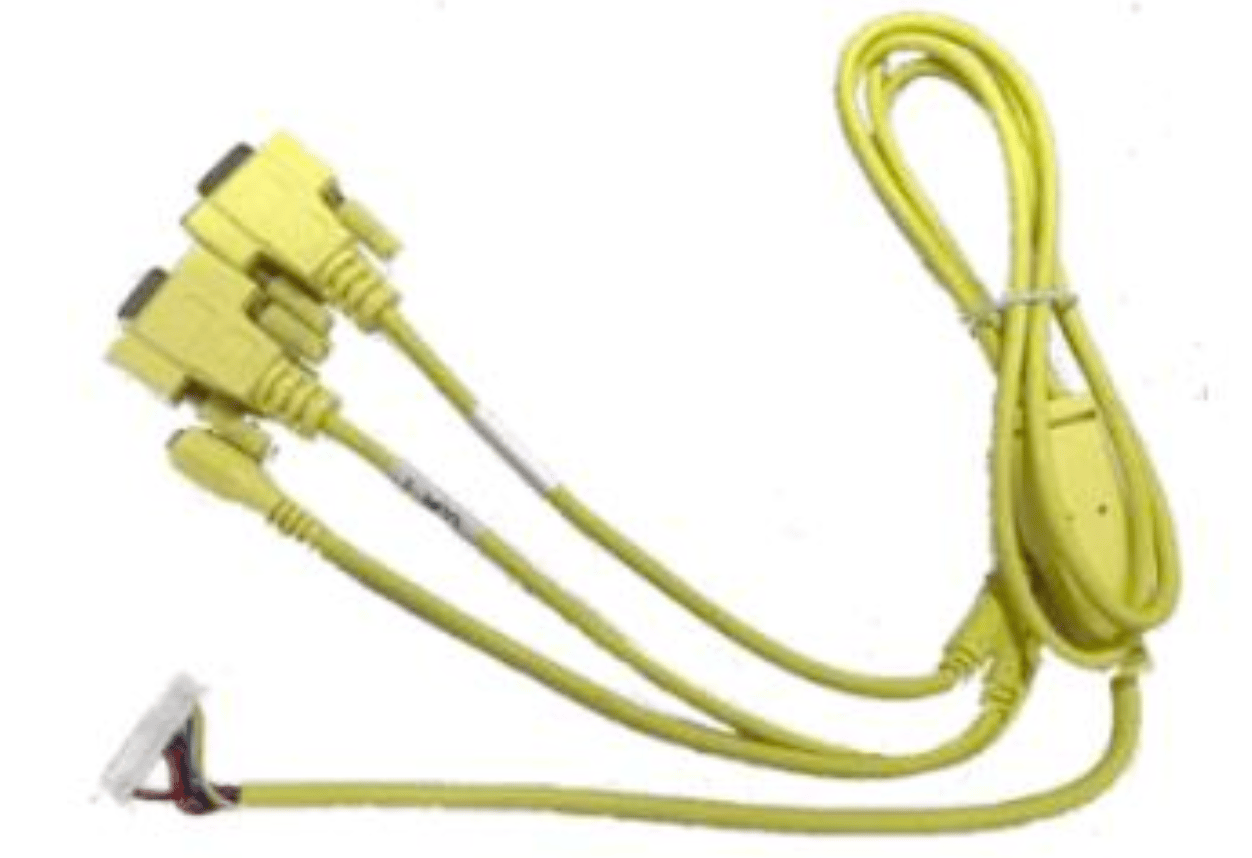
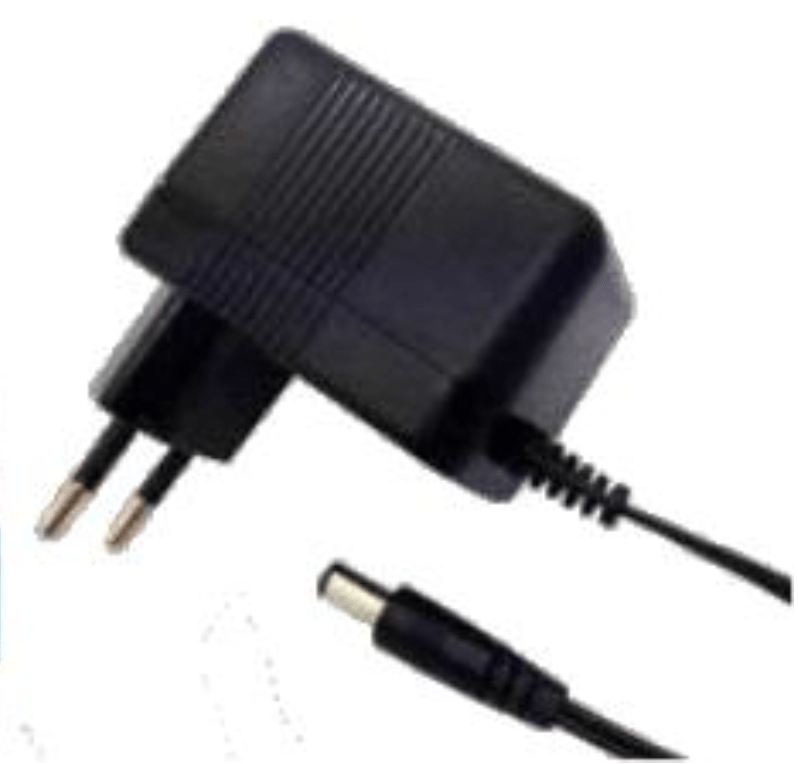
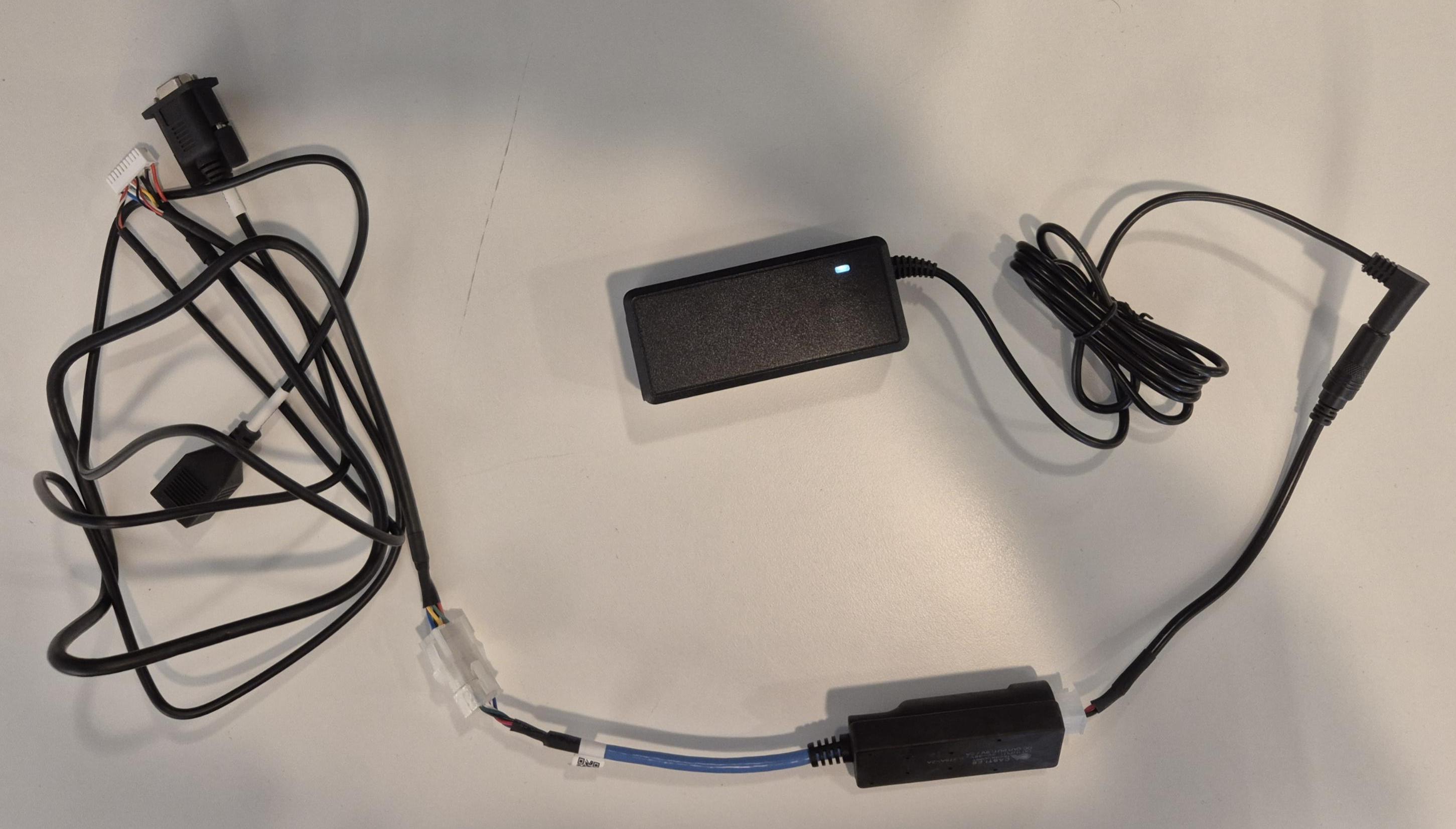
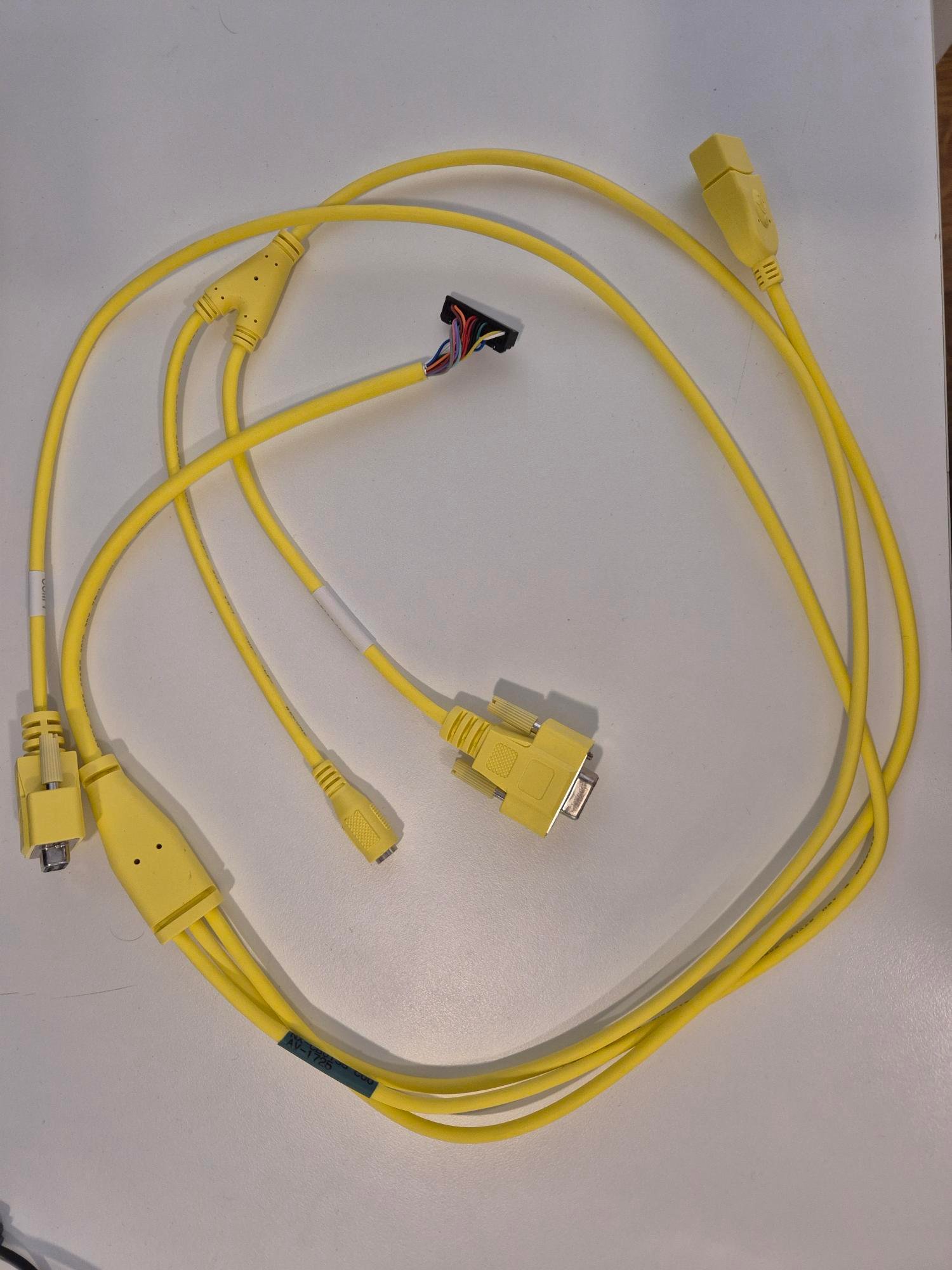
| Device Connector | Used to connect power, cables, and additional accessories required for the device’s operation.The cable consists of 3 parts. Appearing in the photo from left to right:
The cable itself (the one with the RS-232 connector), the ANEX (the part with the blue cable), and the power adapter. | |
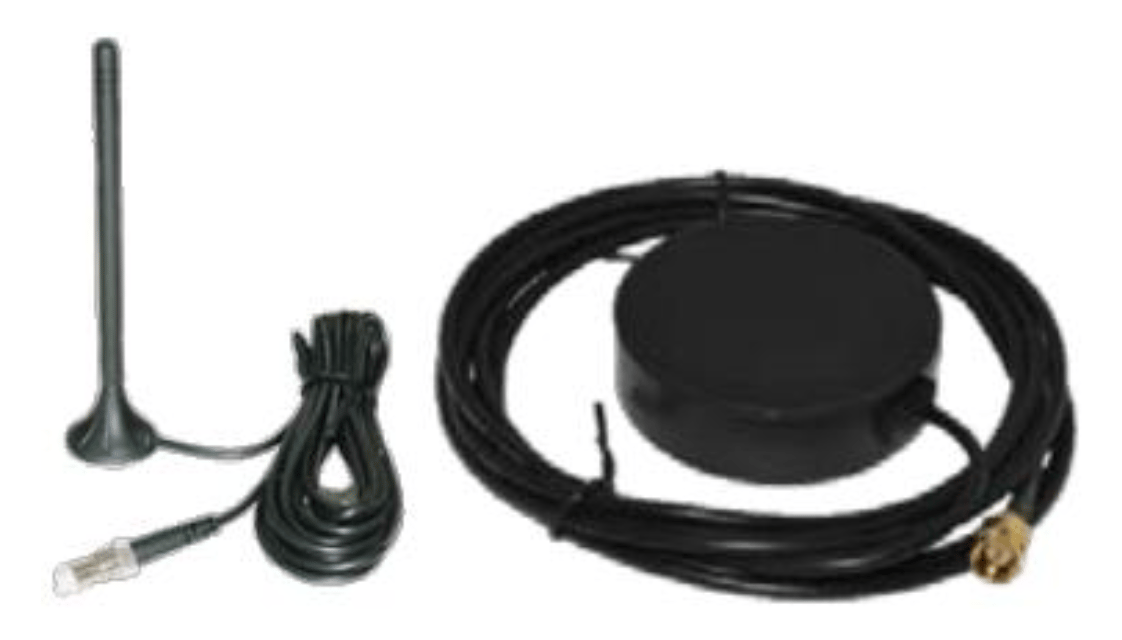
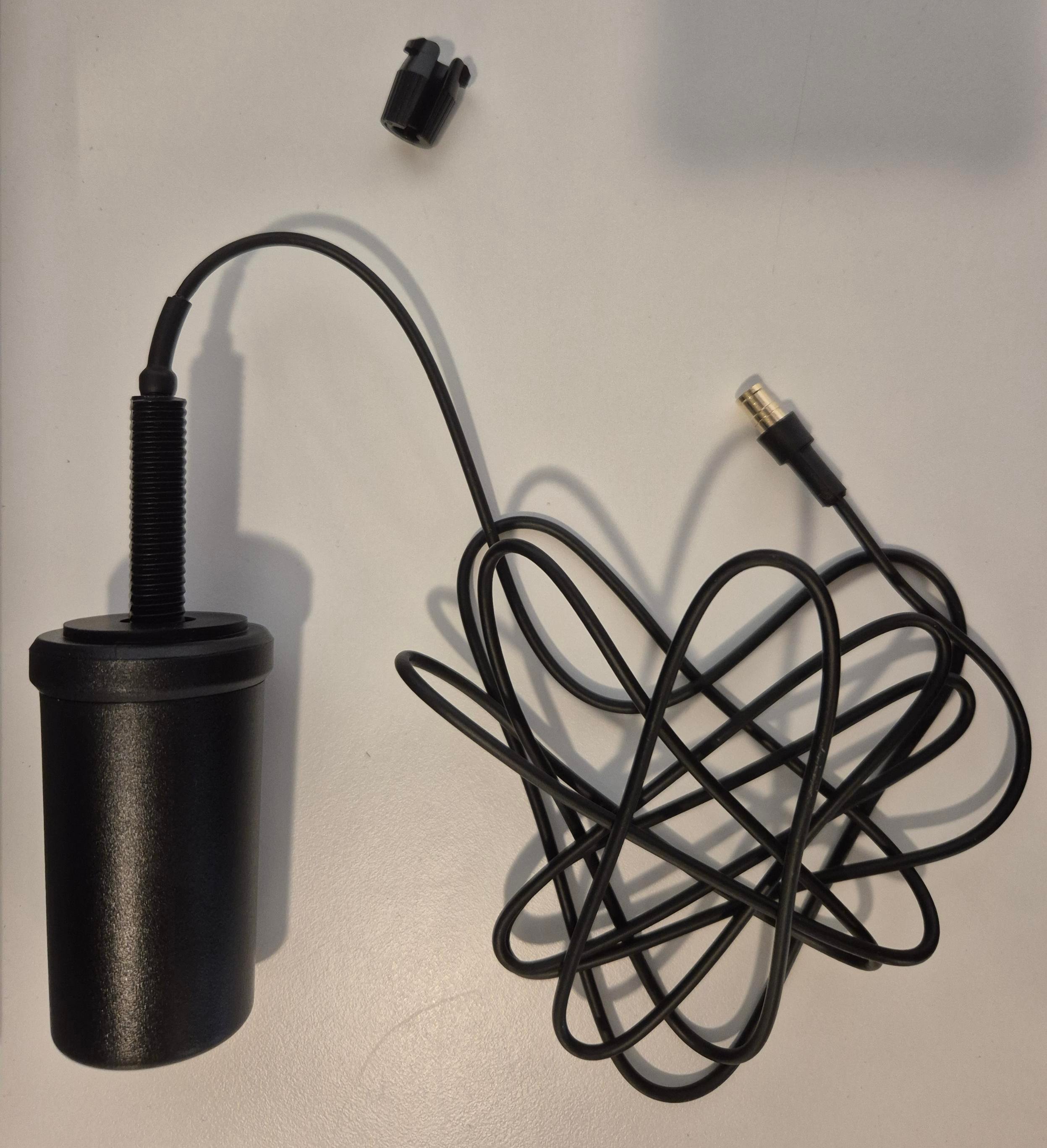
| Antenna | Attaches cellular antenna for network communication. | |
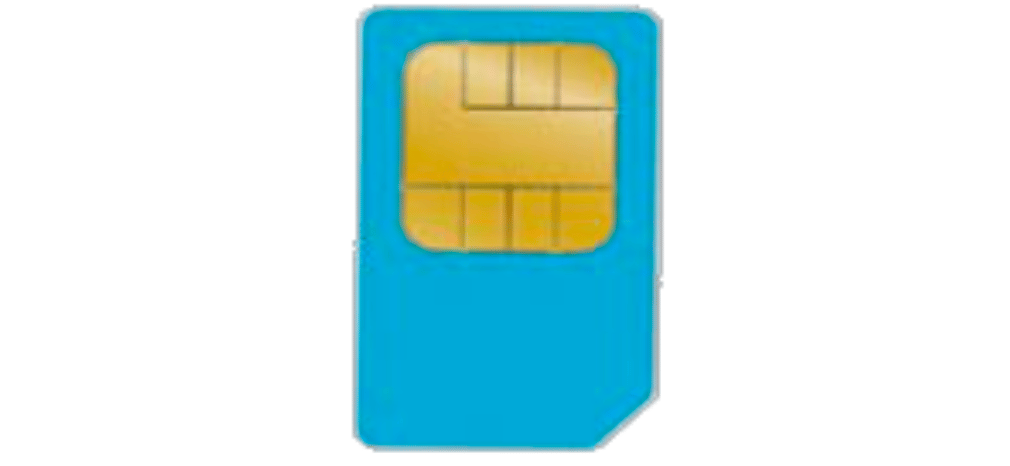
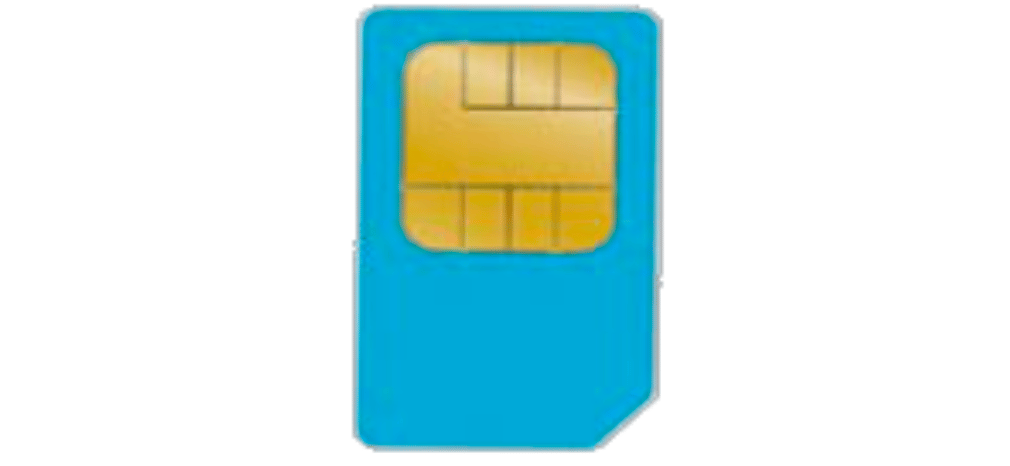
| SIM | SIM card for enabling data connectivity in Nayax VPOS Media devices. | |
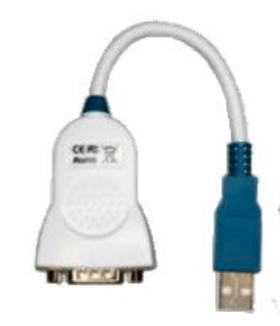
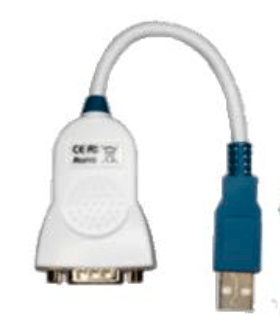
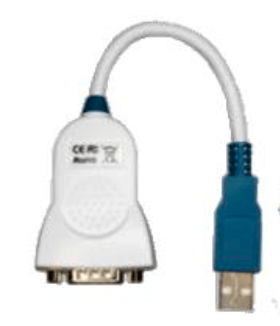
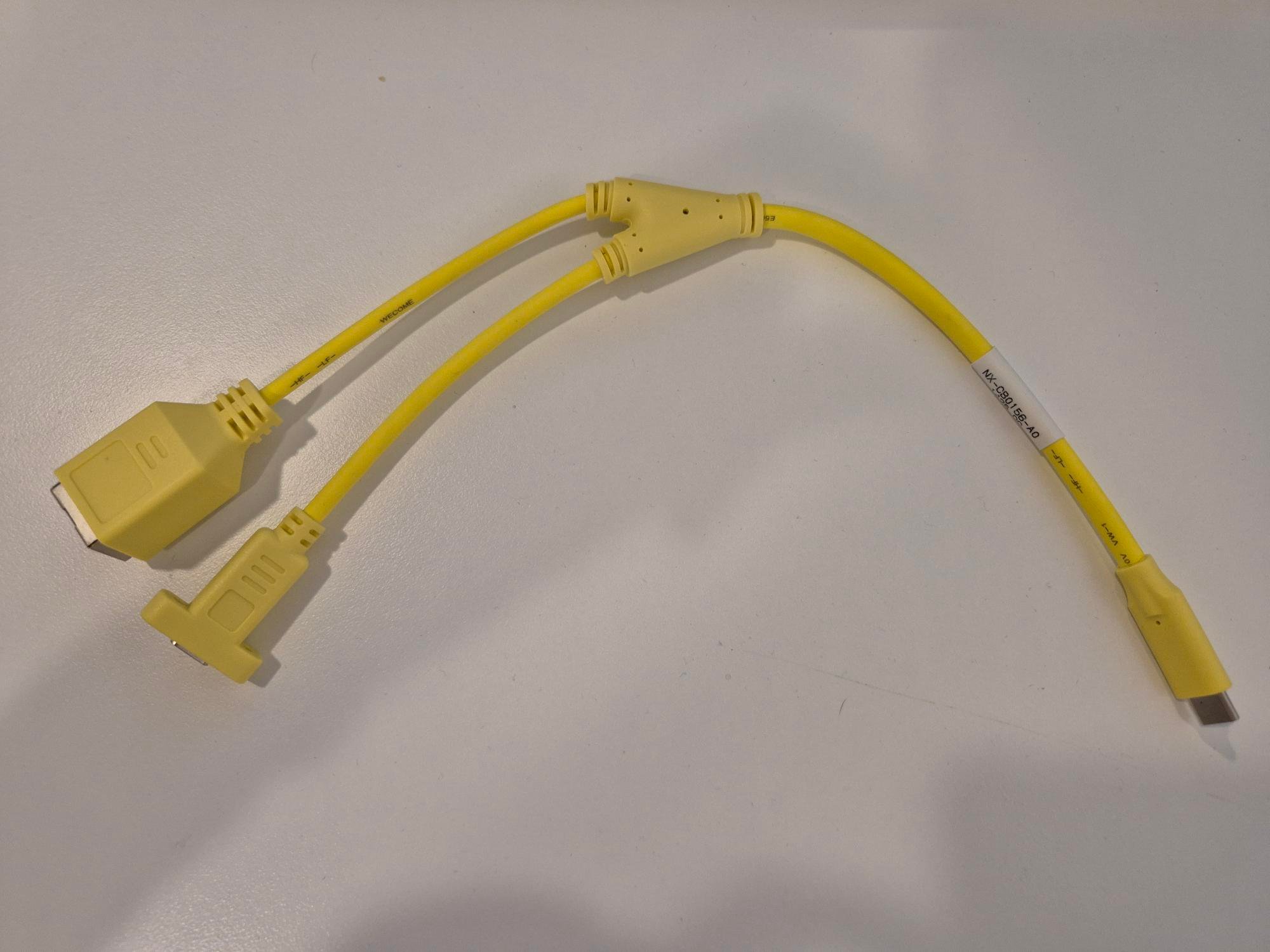
| Chipi-X USB2Com adaptor cable | USB-to-serial adaptor cable for connecting Nayax Touch VPOS devices. | |
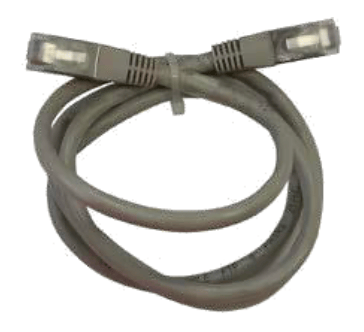
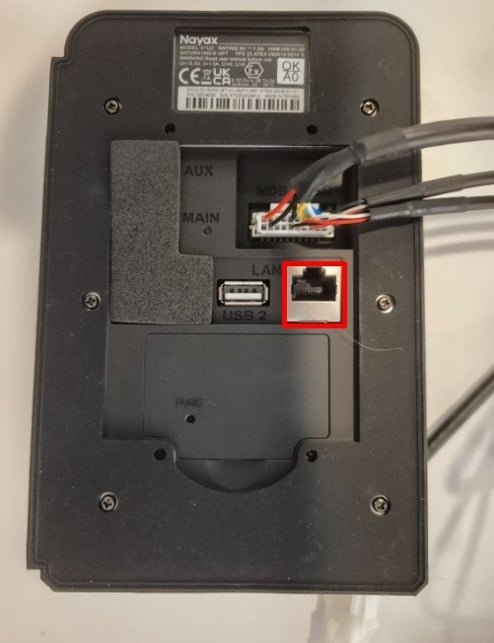
Important: The ETH cable should be connected directly to the device itself, and NOT via the Marshall cable. The RJ45 connector of the Marshall cable is not for LAN connectors but rather for DEX (as written on it).
Note: VPOSM4S does not have a physical SIM card but rather an eSIM, and it also has an internal antenna.
Cable SKUs
Use the SKU below when ordering a replacement or an additional cable.