

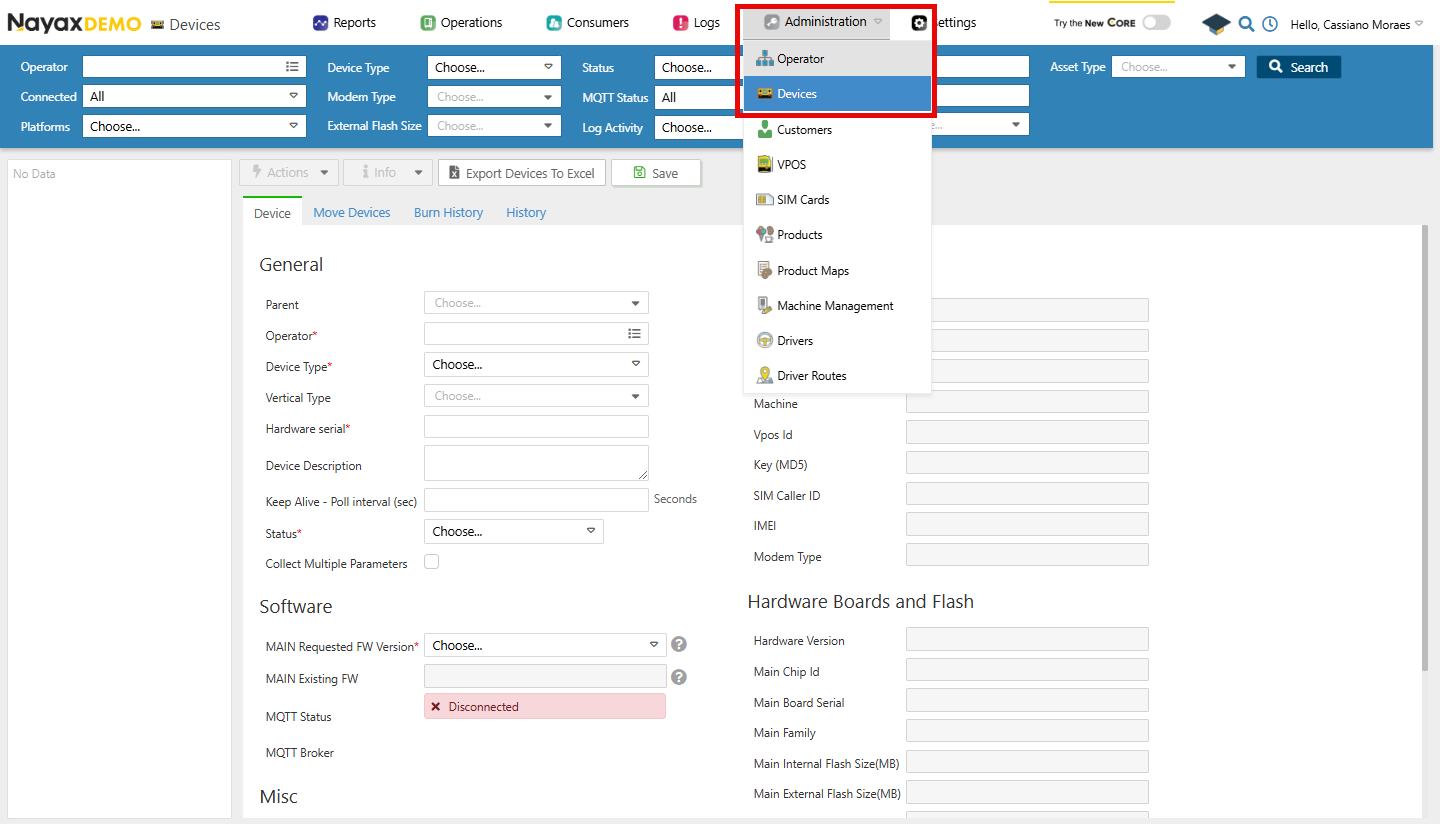
- In your Dashboard, go to Administration > Devices.
- Use the search function to filter through the list of devices.
- Select the desired device from the list.
- Open the General Information tab.
Lynx API Methods
Lynx API allows you to retrieve all this information from one device or a group of devices programmatically using the following endpoints:Retrieve a Device by deviceID
Using the Get Device by DeviceID endpoint, providing it with the deviceID as a path parameter, you can retrieve that device’s details. See an example request and response in the code block below:
Path ParamsReplace
<DeviceID> with the actual identifier of the device.