

- Import the SDK package into your project
- Create and configure a VMC settings object
- Set up the serial (COM) port for communication
- Register event listeners and start the SDK
Prerequisites
Before you begin, make sure you have:- Downloaded the appropriate SDK files,
.jarfor Java or.dllfor C#. - Identified the correct COM port for the Marshall cable.
- For Java- ensure that you have Java 8 (also known as Java 1.8) and above. Note that for the newest version of Nayax’s Java SDK (0.1.6.8) you’d need Java 11- but should you like us to, we can look into having it be compiled with Java 8.
Integrate Marshall
To perform the integration, follow the steps below:-
Import the provided
.JARor SDK DLL file into your project. -
Import the necessary namespaces in your code.
-
Instantiate a VMC configuration object:
-
Fill in the appropriate fields. The following code block presents a standard configuration:
-
Setup the COM port.
-
Note- in the near future we plan on having the possibility to use Marshall over ETH (supported only for VPOSM)- in that case, there would be no COM port but rather an IP address which would be under the same local network as the Nayax device, and optionally the relevant IP port (which by default should remain untouched [has by default the value of “12345” which is meaningless])
- Configure the SDK and register to link events.
- Start the SDK and wait for the
onReady()event:
Using AndroidOn android, you either need support from your provider or use a FTDI chip, which we provide
port implementation for. (see the “android” folder in the JAVA SDK release)
CPU and Memory Requirements
Neither SDK has any special hardware requirements. If your machine can run a JVM, it can run the SDK. The SDK developer estimates memory usage at around 50KB of RAM and close to zero CPU time. The SDK is roughly 100 lines of code executed every 5ms, plus a little more per packet when serial data arrives.Run the SDK on Android
On Android you do not use the serial port number. If your board has an onboard serial port, use the regular low-level implementation of the Java SDK. Most Android boards do not have one, and in that case you use the Android low-level file that Nayax provides. Use the Java SDK as is, changing only the low-level serial port, following the code in the demo namednayax-android-marshall-demo_0_1_6_02.
The part of the SDK that handles the serial port is shown below.
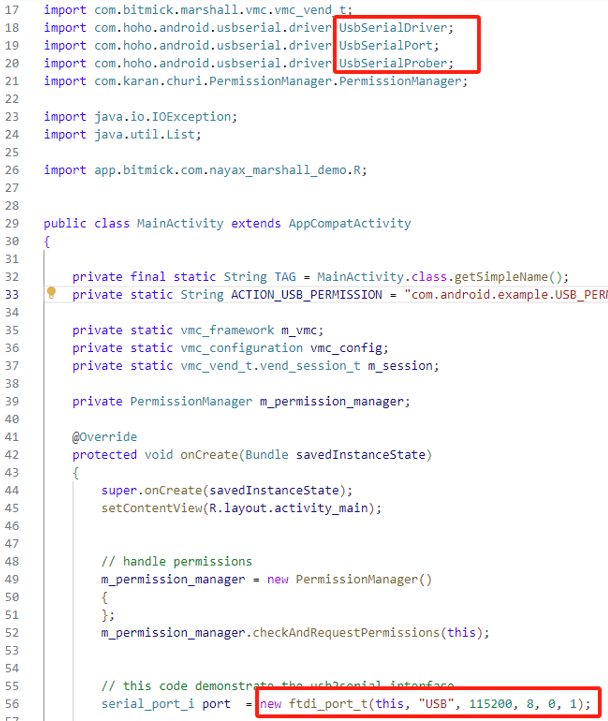
With the Android low-level serial implementation you cannot run the demo app itself, but you can still read it as a reference for how to start transactions.
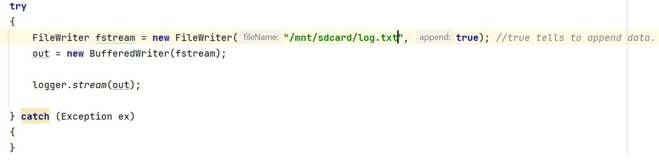
BufferedWriter object. The example below writes to the SD card.
UART Located at /dev/tty
Android cannot access/dev/tty.... You need the vendor’s serial port library and an implementation of serial_port_i wrapped around it.
FTDI is for a converted USB serial port.
Update to a Newer SDK Version
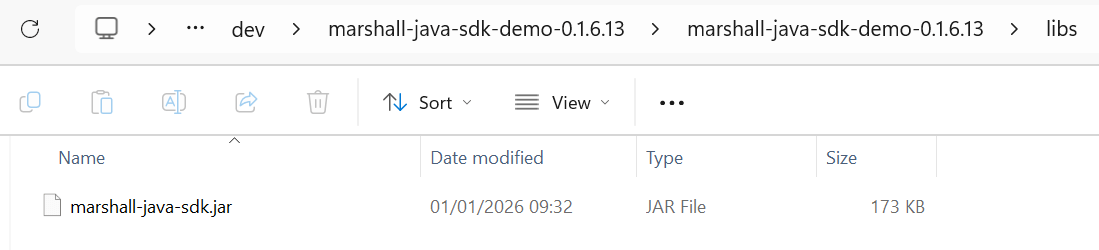
Updating an existing integration to a newer SDK version is a file swap. For Java, replace the.JAR file, which sits in the libs folder inside the SDK’s directory.
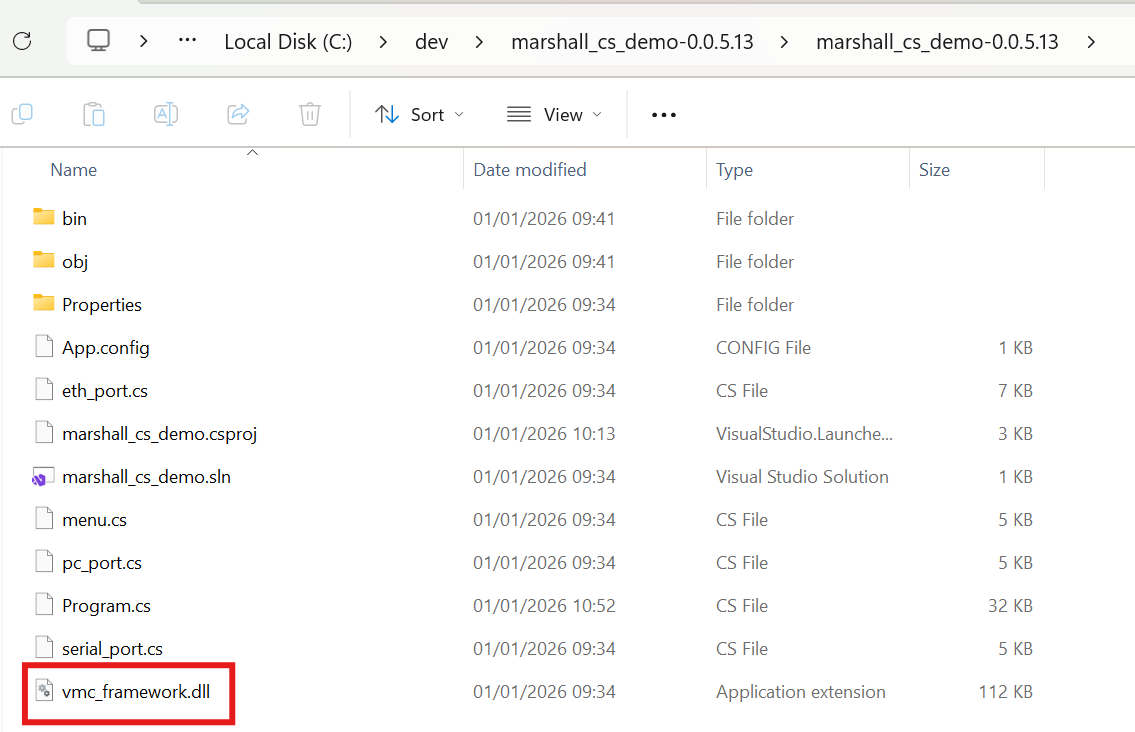
.DLL file, which sits in the SDK’s directory.
See Also
C SDK Integration
Integrate the Marshall C SDK into your platform.
Methods & Functions
Find reference documentation for all methods and functions in the Marshall SDK.